Free PDF editor & viewer for Windows
The last PDF app most users will ever need — and it’s FREE
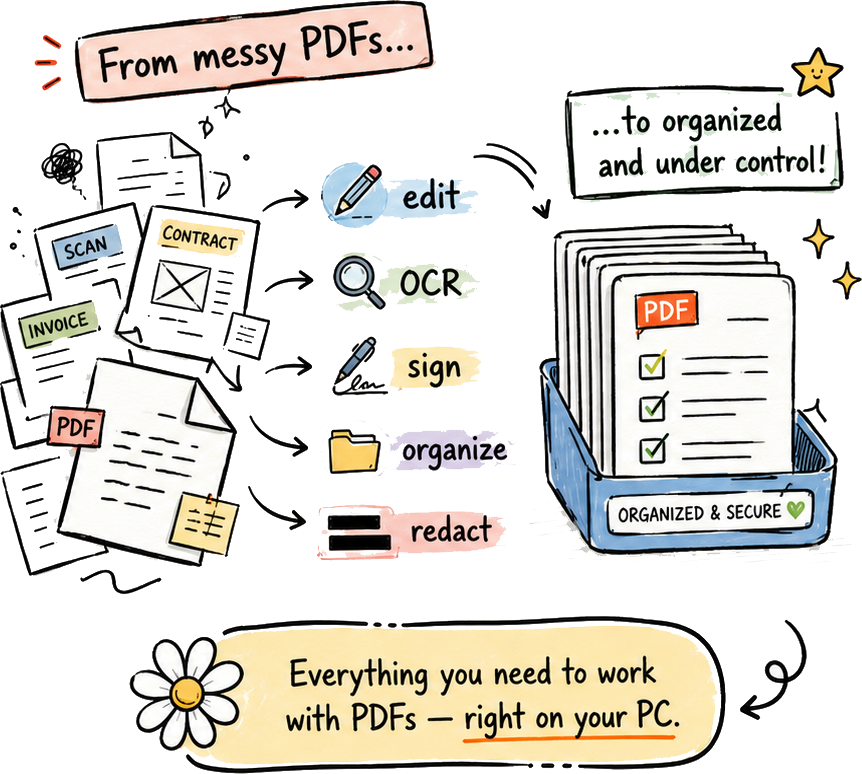
Open, edit, sign, OCR, search, organize, and export PDFs without creating an account, paying a subscription, or sending private files to an online service.
Privacy & local-only editing
Private PDF editing without the cloud
PDF Daisy is built like a trustworthy desktop tool — not a web service pretending to be one.
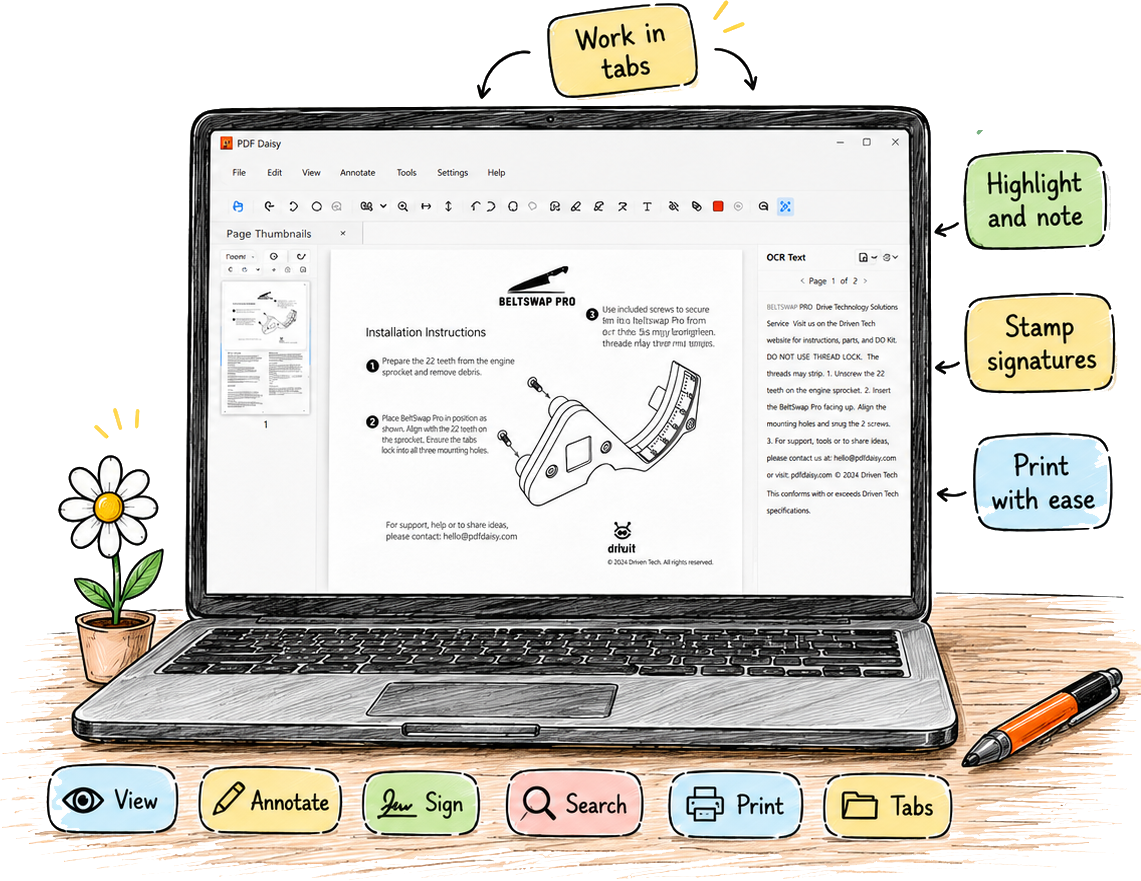
- Your PDFs stay on your computer.
- No account required.
- No cloud uploads.
- No telemetry or tracking.
- No network requests.
- Your signatures, annotations, and OCR data remain local.
Everyday PDF tools
All the PDF tools you actually use
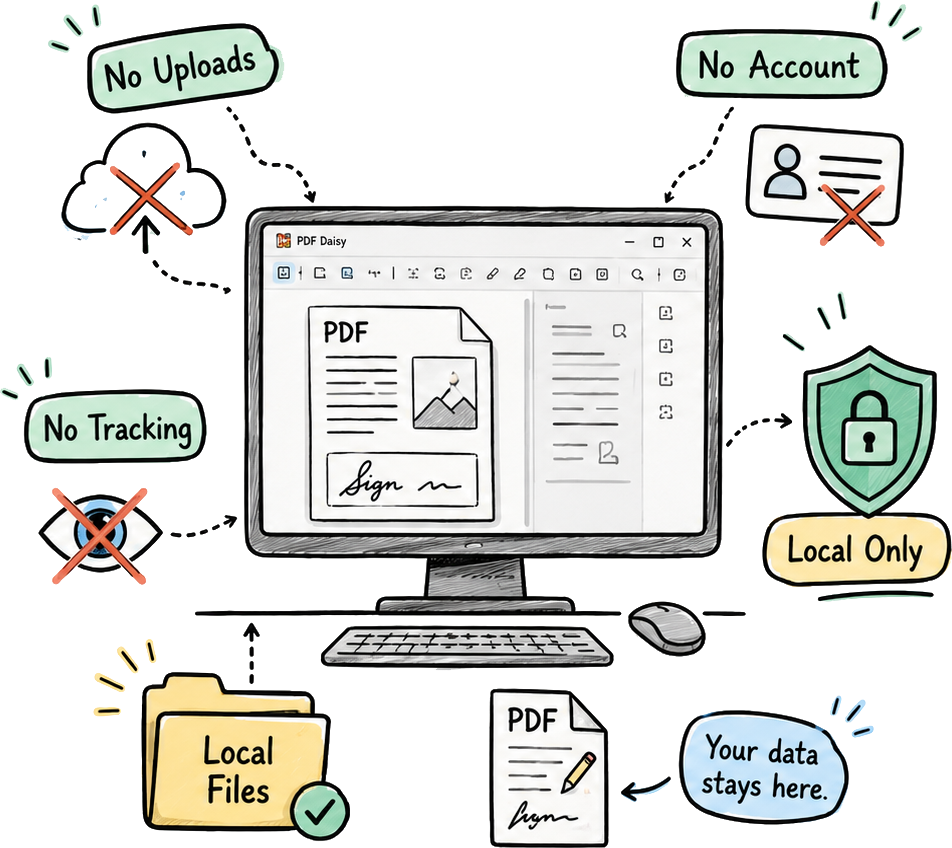
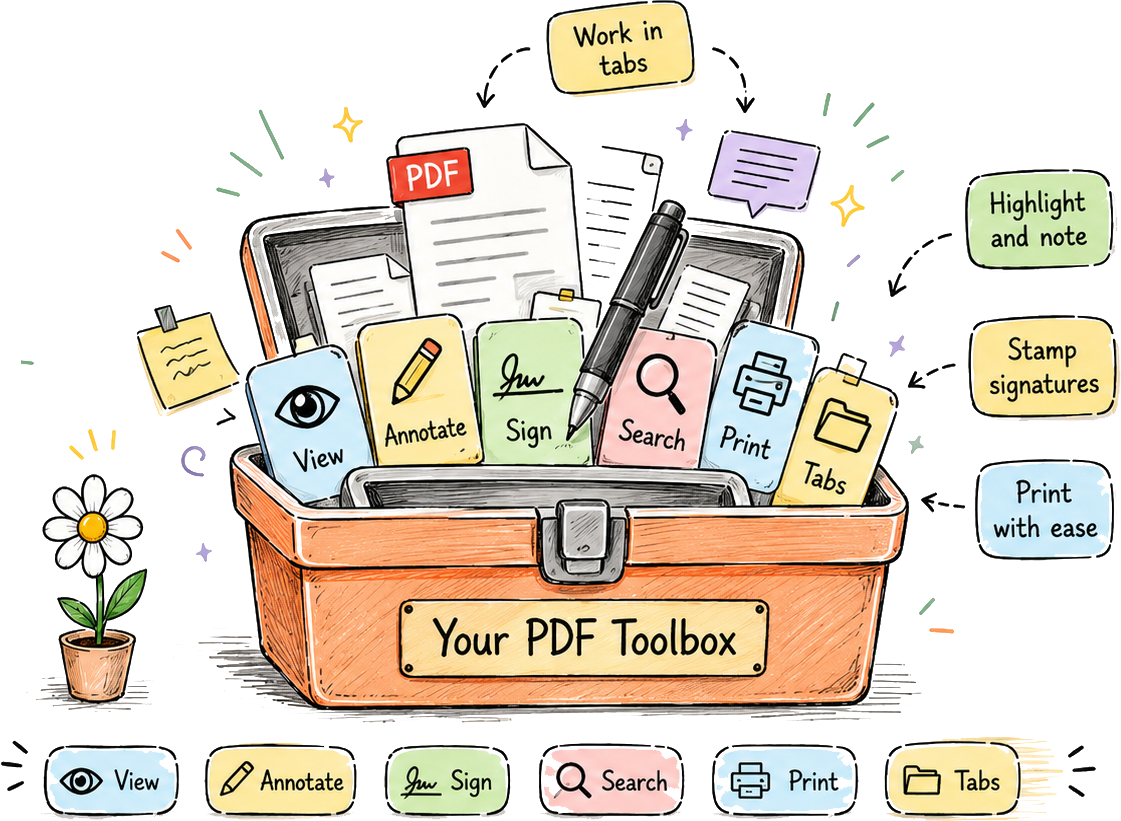
Open PDFs quickly, work across tabs, add highlights and notes, stamp signatures, and print with a clean desktop workflow — no clutter, no subscription.
OCR & search
Turn scanned PDFs into searchable documents
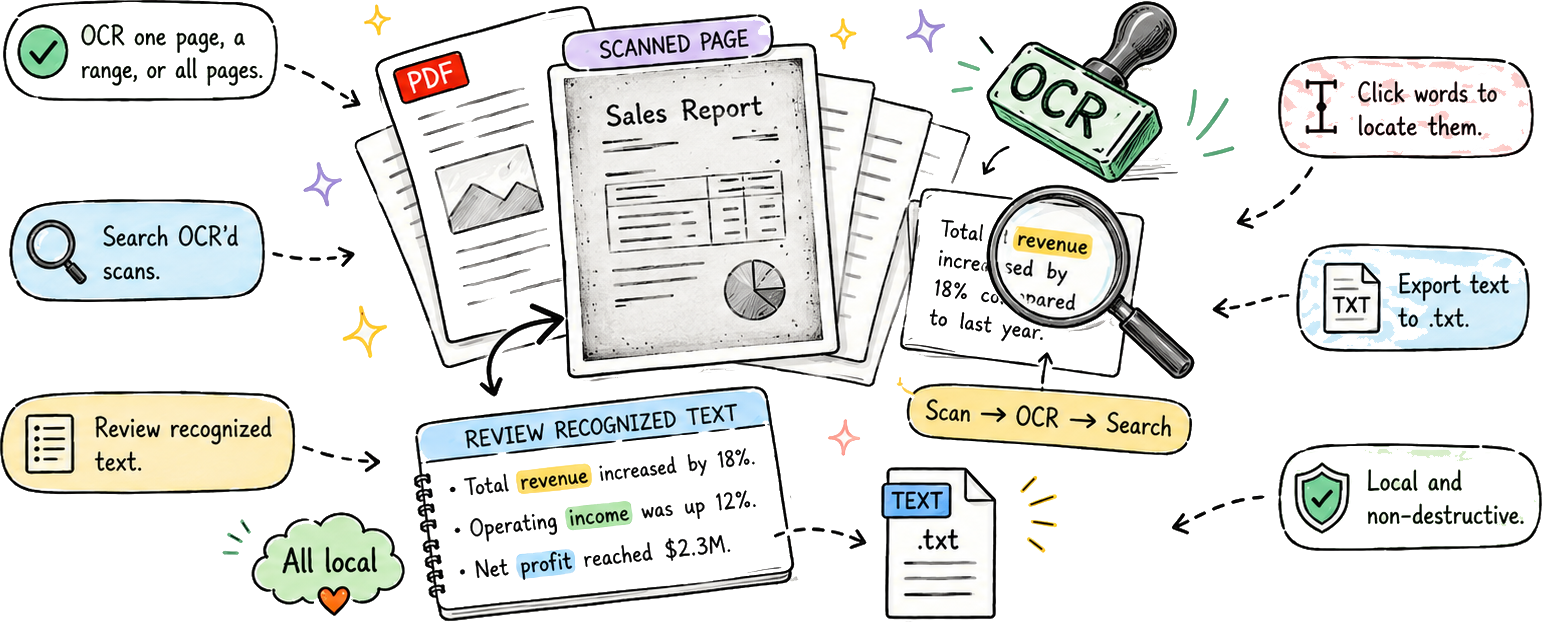
Recognize text on one page, a page range, or an entire document — using an OCR engine that runs entirely on your computer.
Organize, export & rebuild
Merge, extract, rotate, and reorder with ease
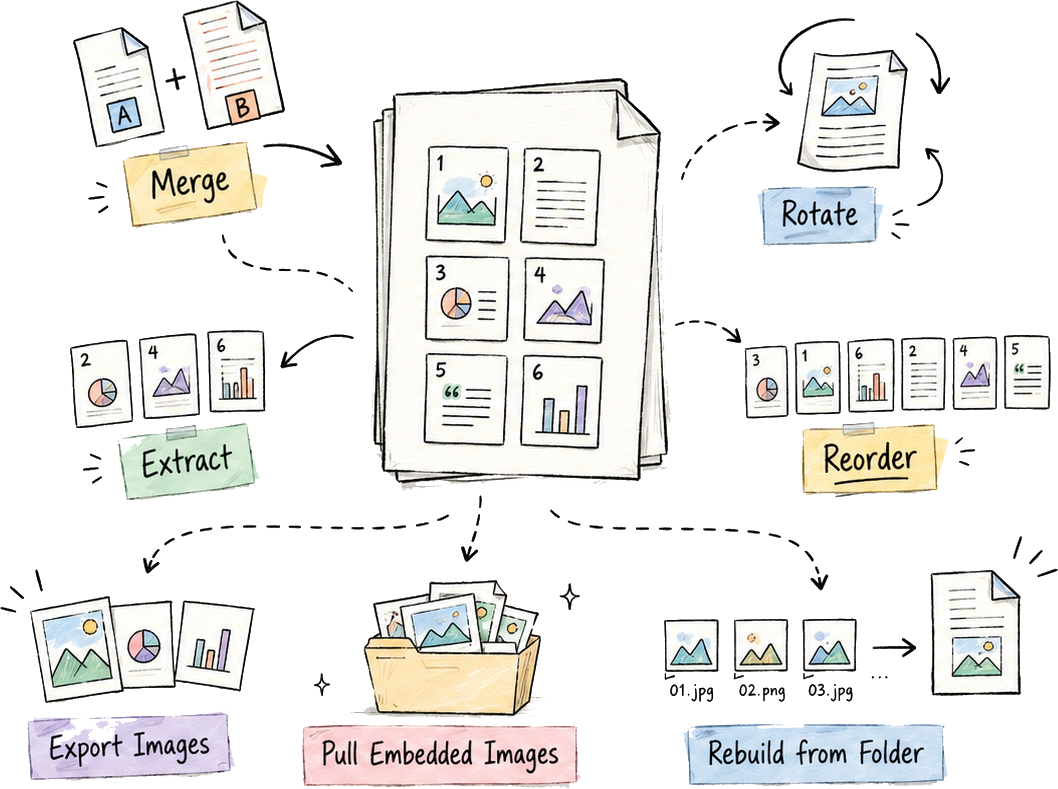
Delete pages, rearrange documents, rotate pages permanently, extract selected pages, or merge another PDF into the file you’re working on.
Use the thumbnail sidebar to reshape PDFs without sending them through an online tool. You can also export pages as images, pull embedded images from a PDF, or rebuild a PDF from a whole folder of image files.
Secure redaction
Redact sensitive information the right way
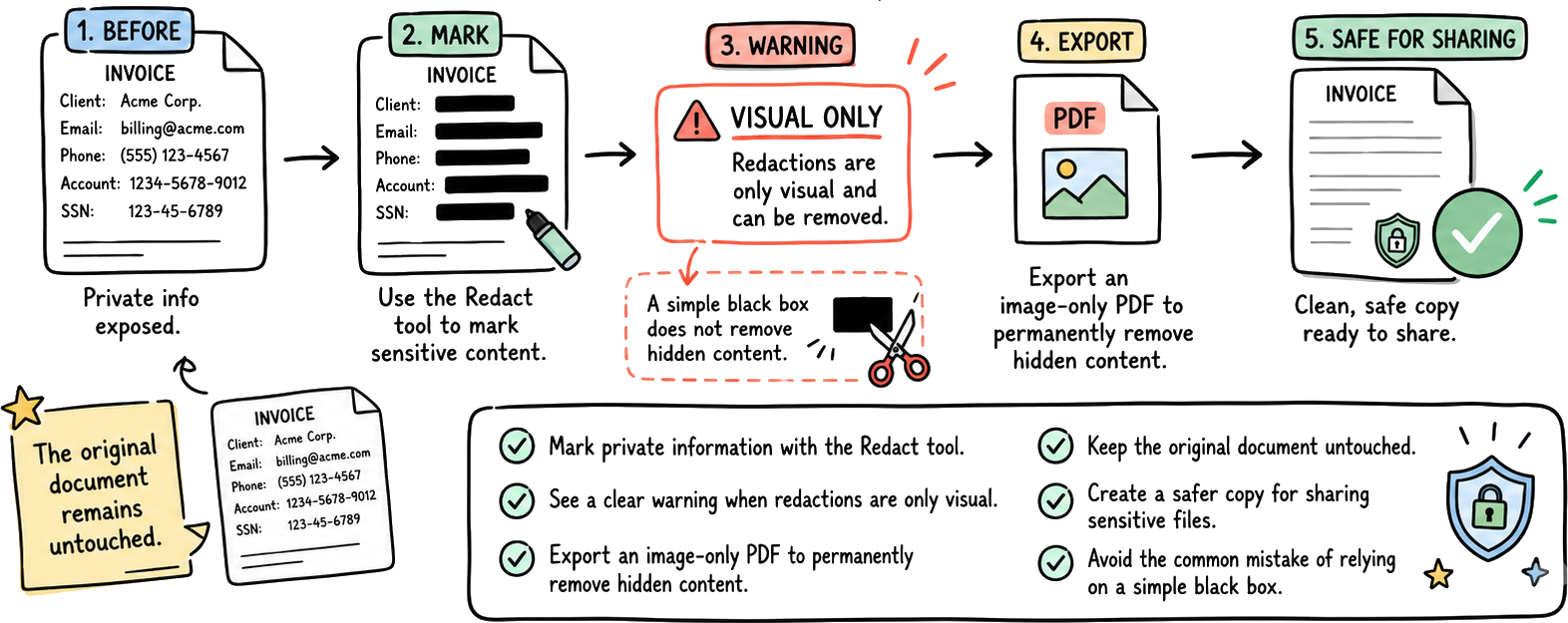
Mark sensitive content, then export an image-only PDF so private information is burned out of the shared copy — not just covered by a box.
Try the free beta of PDF Daisy
Get the free beta for Windows and start editing, OCR’ing, signing, organizing, and redacting PDFs — without uploading your documents anywhere.
No account required. No subscription. Your PDFs stay on your computer.